
Your love life
finally in one place

Kept safely and privately for the rest of your life.

Read your message from the developers

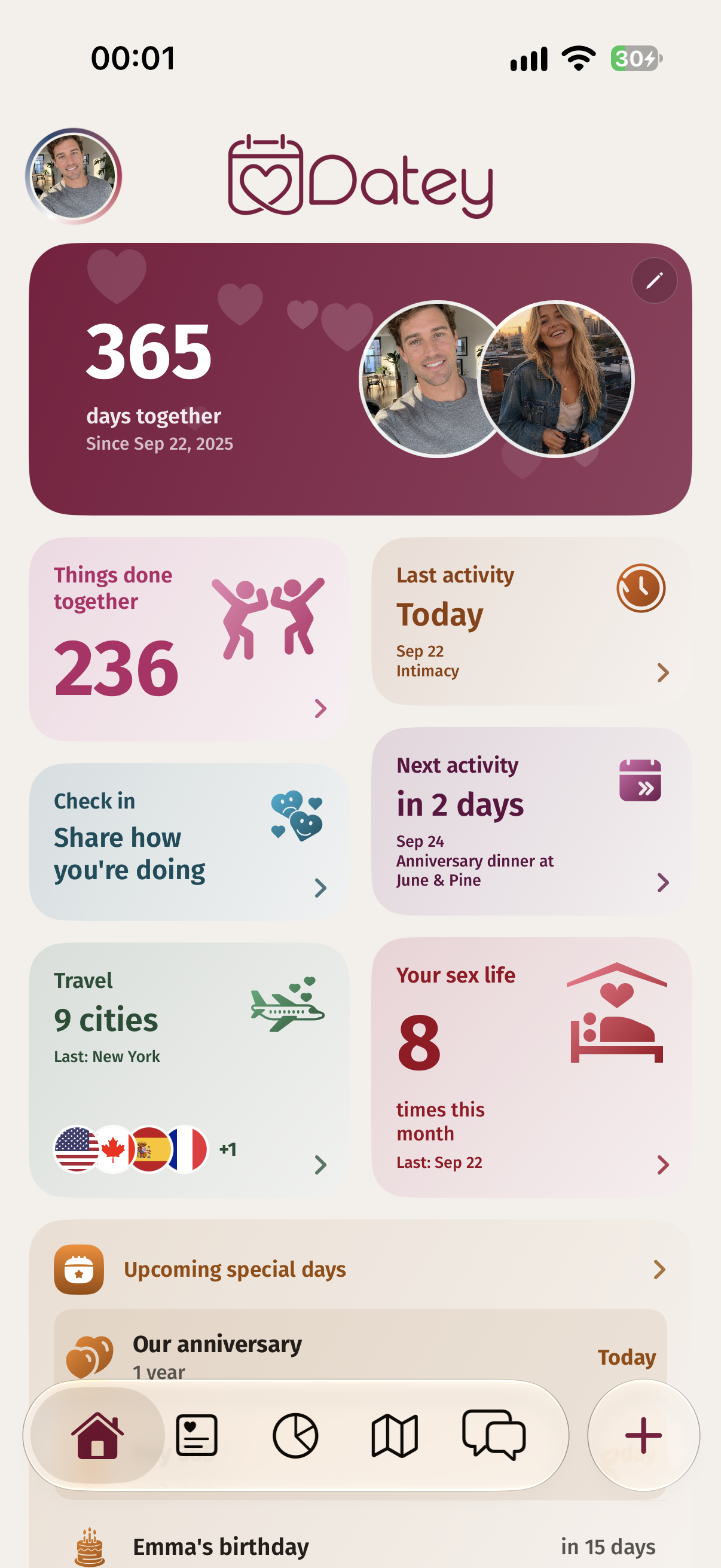
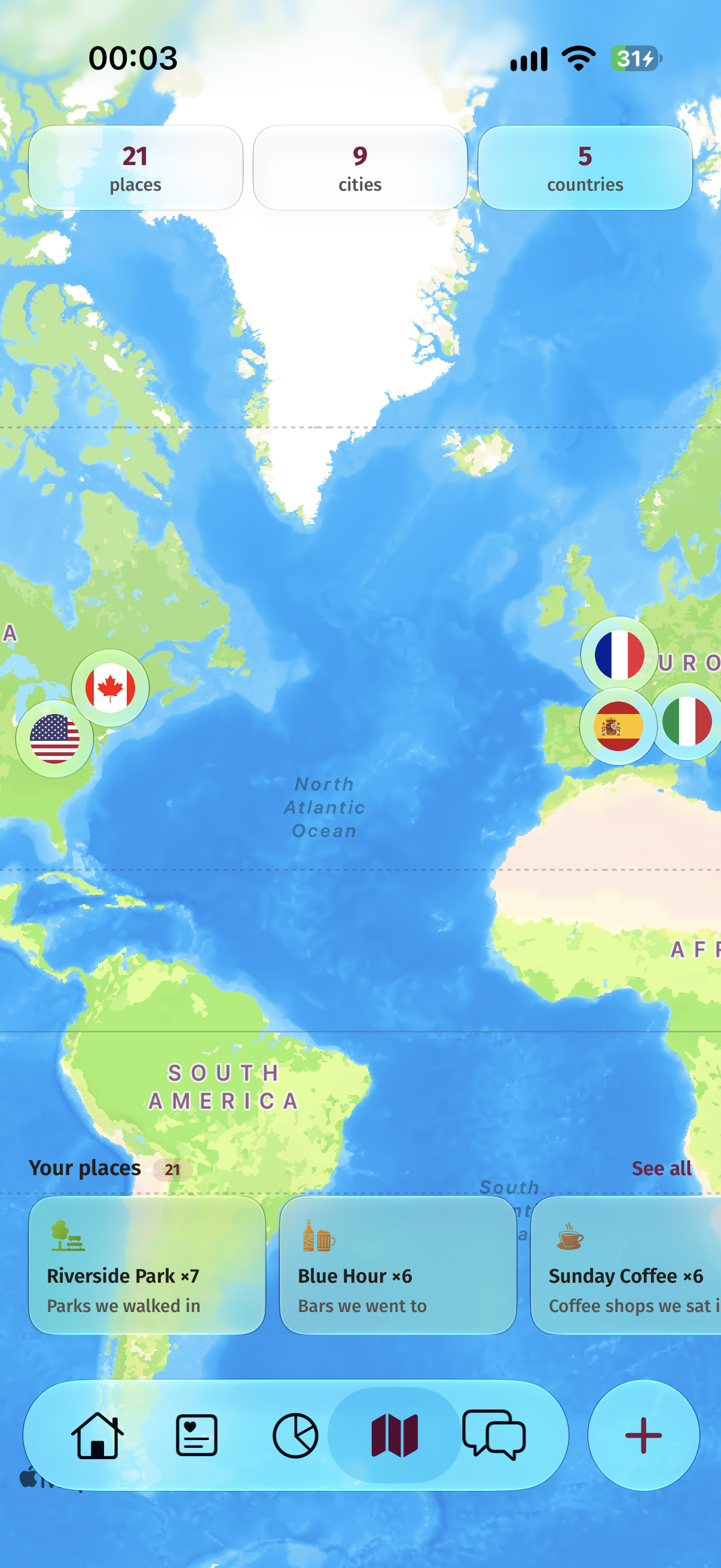
Keep your days together, special dates and upcoming plans in one little space for the two of you.

Memories blur. Yours don’t have to.

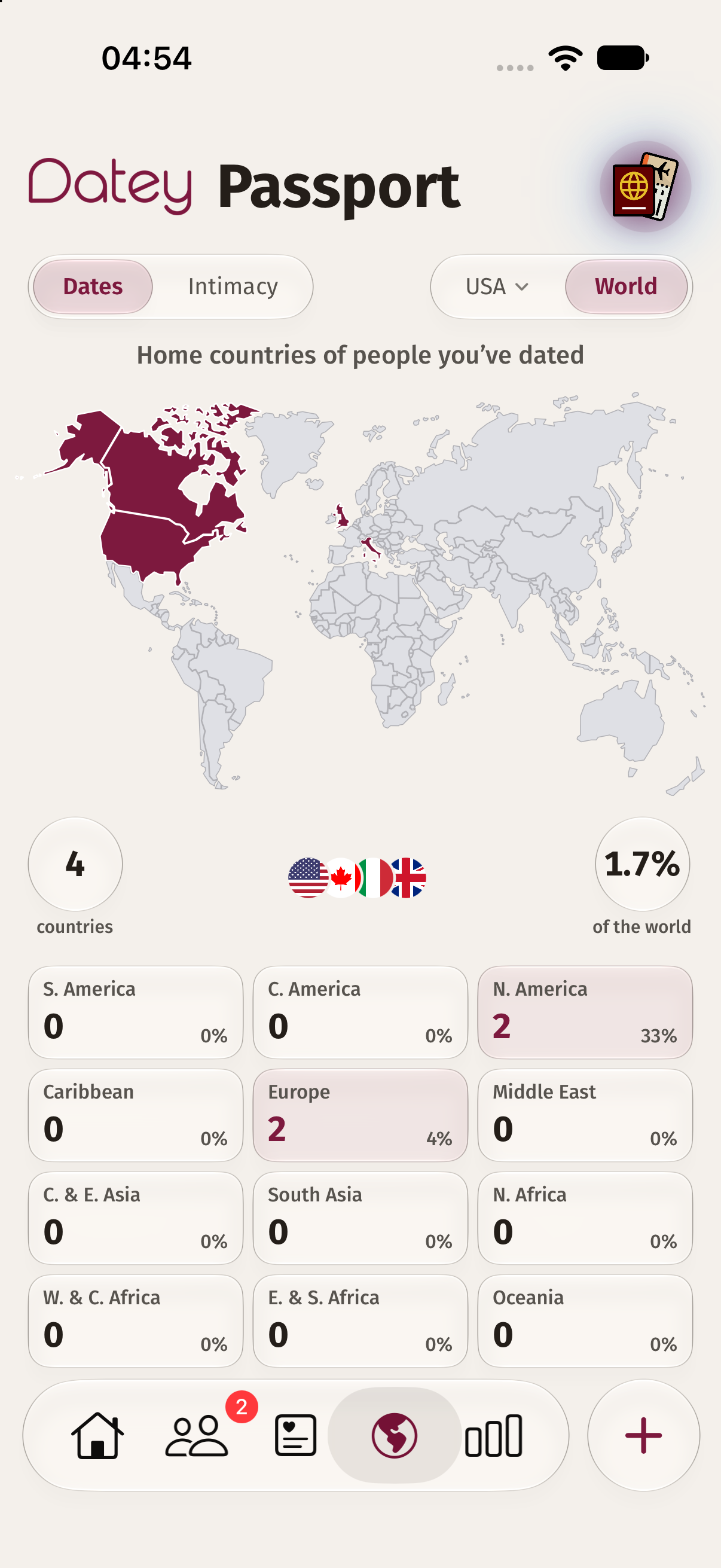
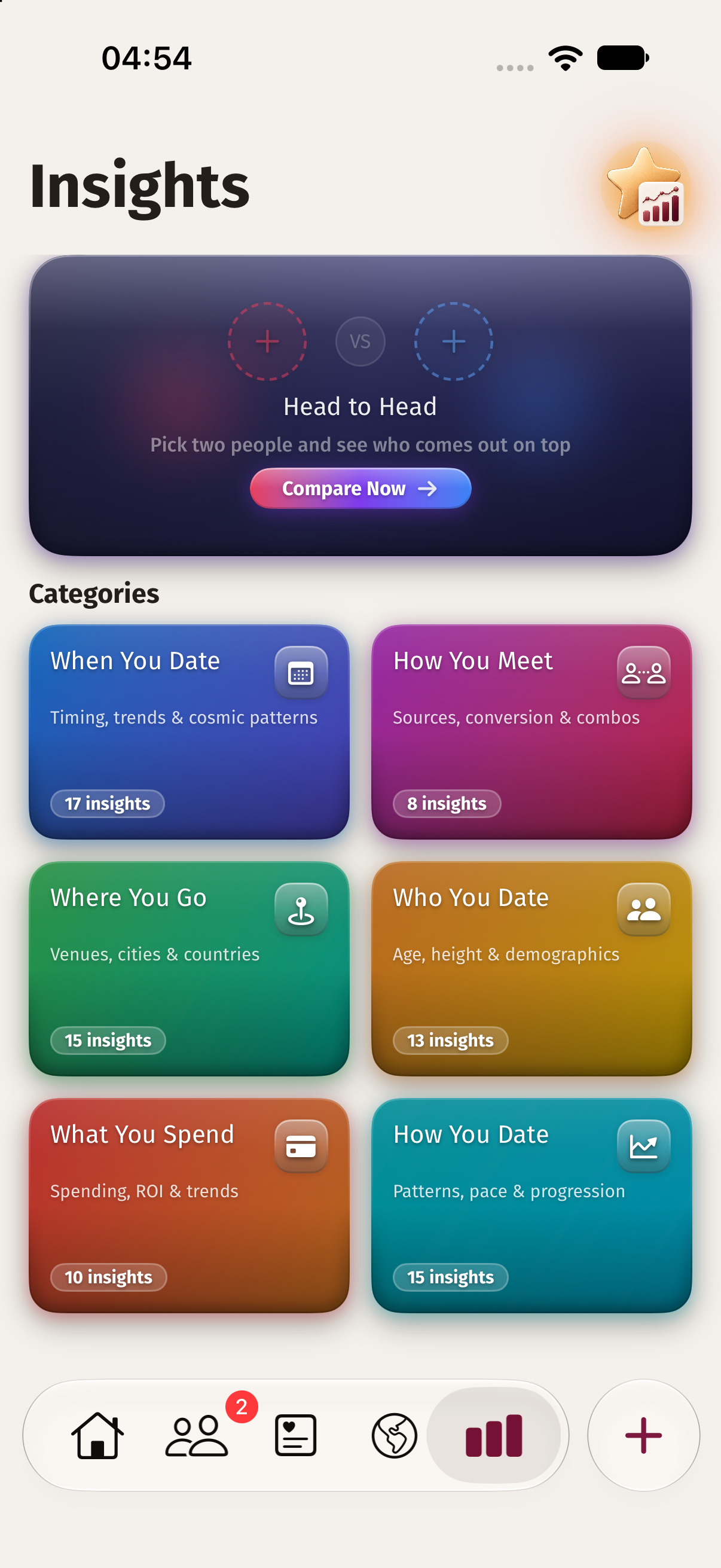
Whether you’re with your partner or on your own, Datey helps you record, track, and remember everything that makes you who you are today.

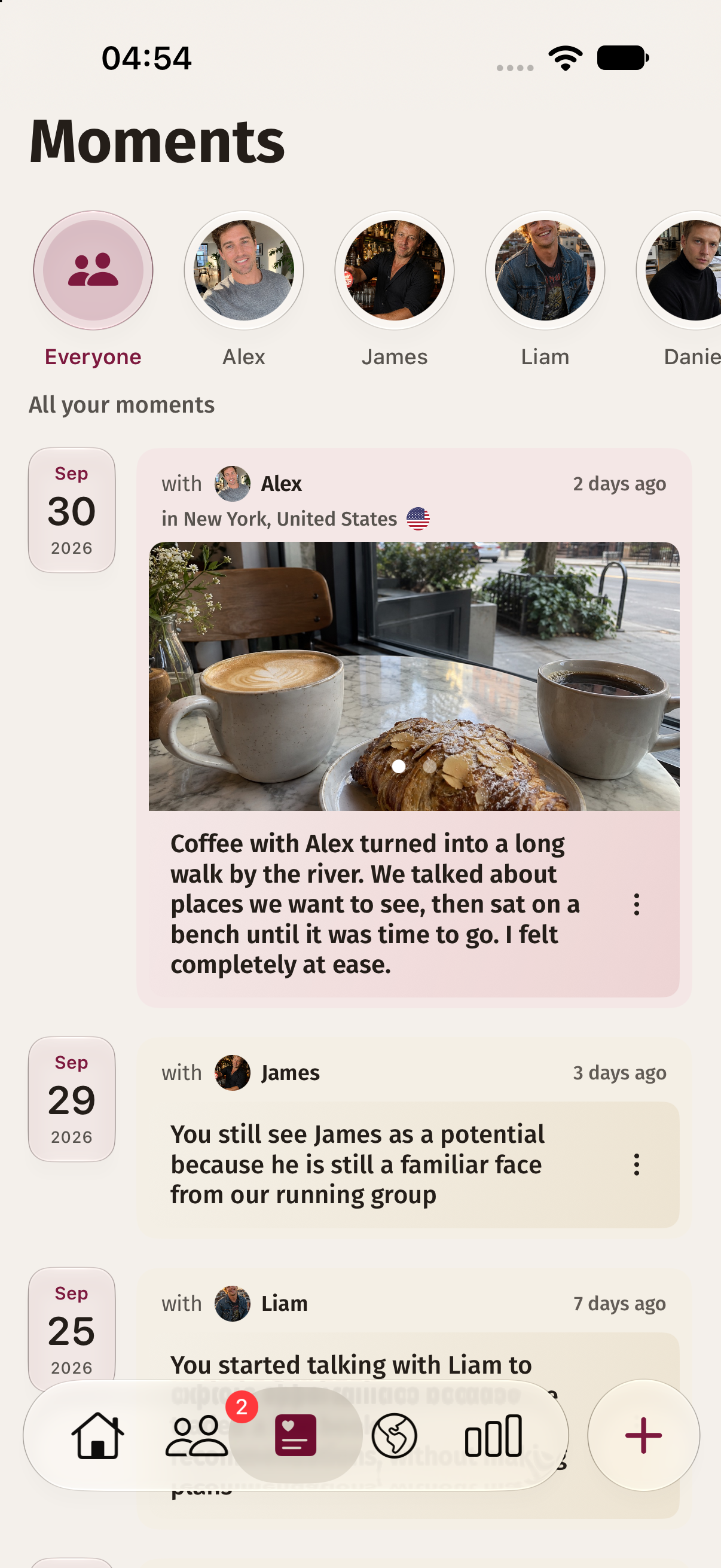
Your dating life, in your own words.

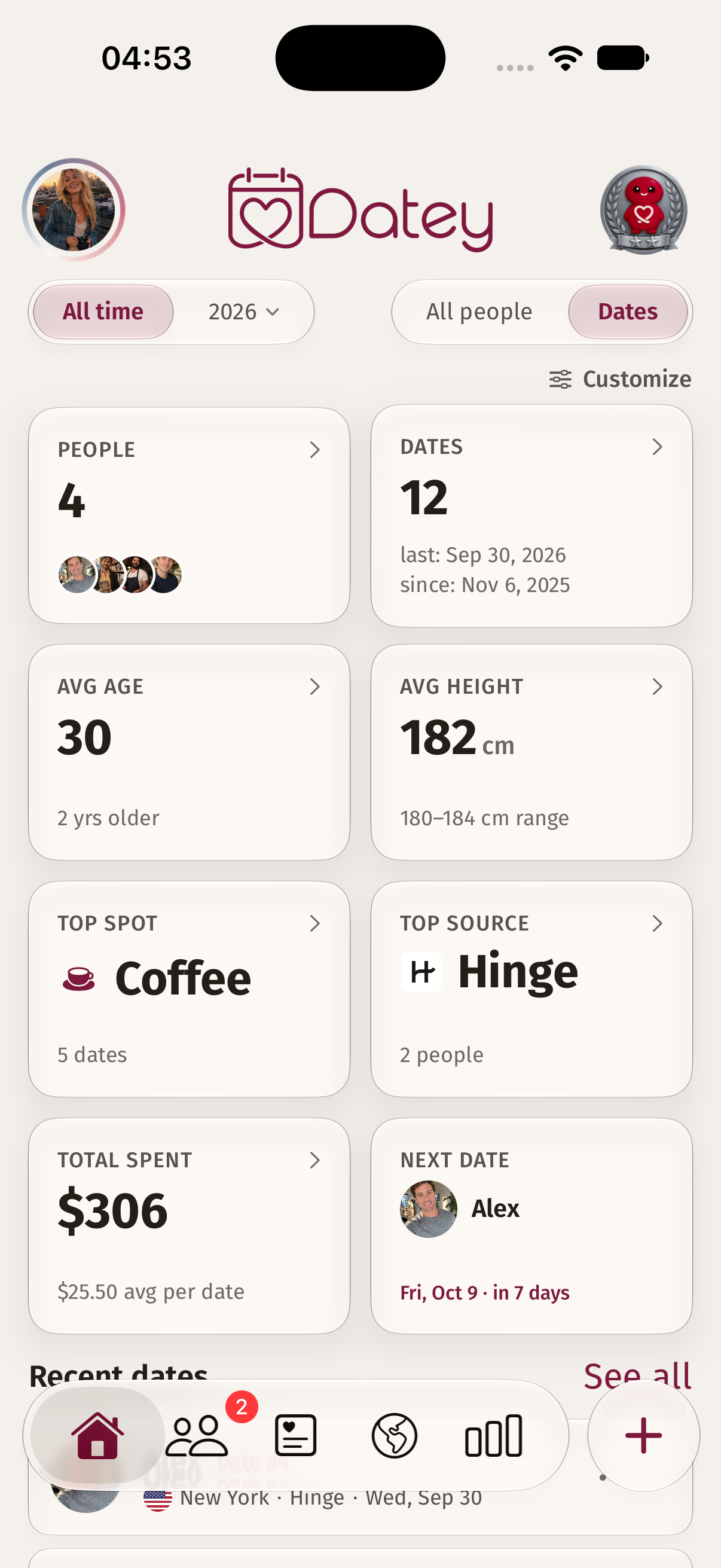
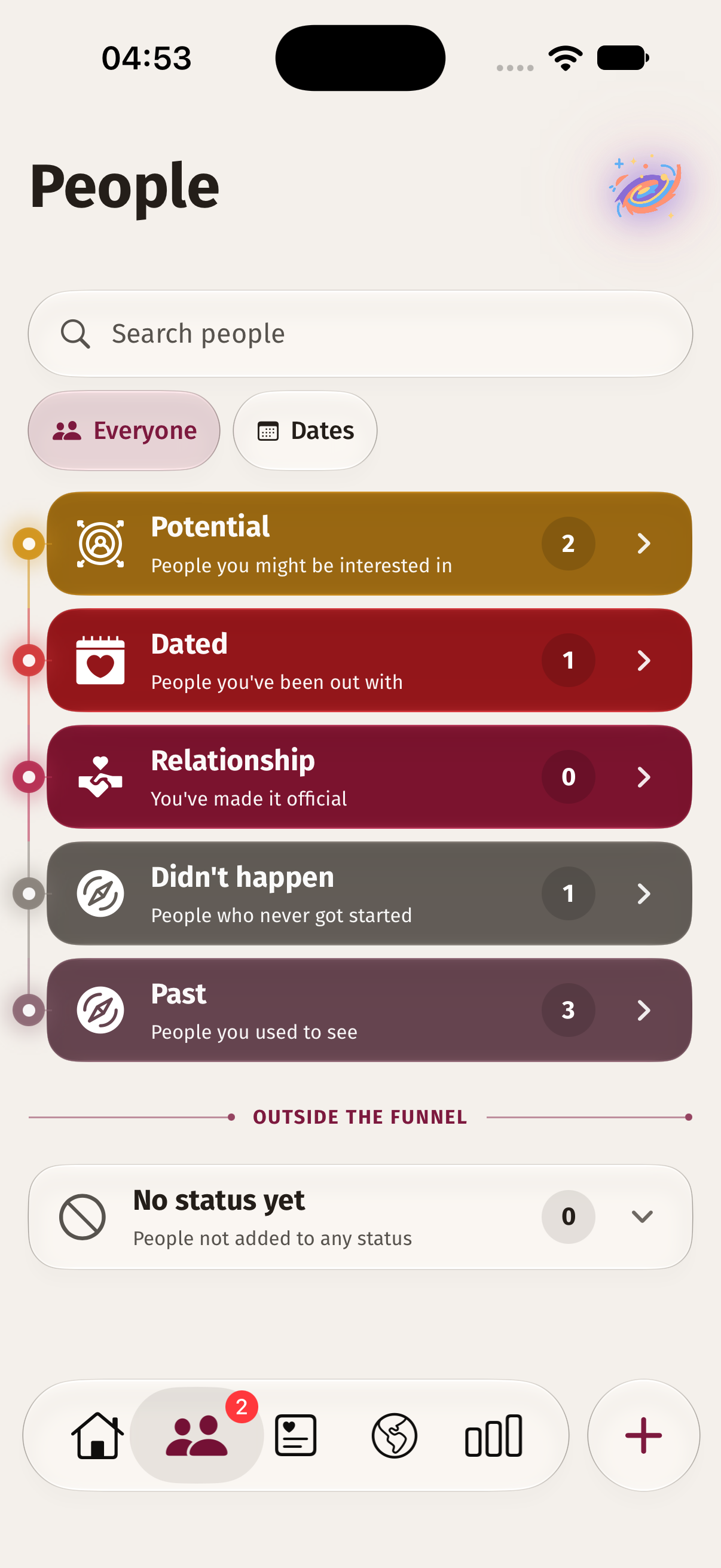
Save the details while they are fresh. Remember what happened, how you felt and what you would like to explore next.

Download on the App Store

Message from developers.

Datey

Runs on your device. No Datey servers.

We decided to build Datey after the app where we kept our memories disappeared—and took all our data with it. We wanted an app that ran on our own devices, without relying on a company's servers. So we made one.

Now we're sharing it with you. Datey runs on your device and backs up your memories to your own iCloud account.


Private memories. Your own iCloud.

Like you, we wanted to keep the important moments in our relationship, including our most personal feelings and memories. But we never felt comfortable leaving them on the servers of technology companies we didn't know.

That's why we built Datey around privacy. The information you add stays on your device and in your own iCloud account.

Record your dates, feelings, and memories.

Not every memory is a milestone. Sometimes it's a conversation after dinner, a place you found by chance, or how you felt after a first date. Those details can quietly slip away. We want Datey to give them a place in your story, whether you're sharing your life with someone or finding your own way.

With love and joy

A LITTLE CLARITY

Your questions. Right here.

Need a hand? Email the Datey team

Is Datey an online dating or social networking app?

No. Datey is a personal dating journal and relationship companion. It helps you keep your own memories; it is not a social network or a place to meet new people.

Will Datey help me find a match?

No. Datey does not match you with other users. It helps you record and reflect on the connections you make in your own life.

Is Datey for singles or couples?

Both. Use single mode for your personal dating journal, or couple mode to keep memories and everyday moments with your partner.

Why should I use Datey if I’m single?

Keep the details of your dates, how you felt, and what you want to remember. Your journal helps you look back on your experiences in your own words.

Why should we use Datey as a couple?

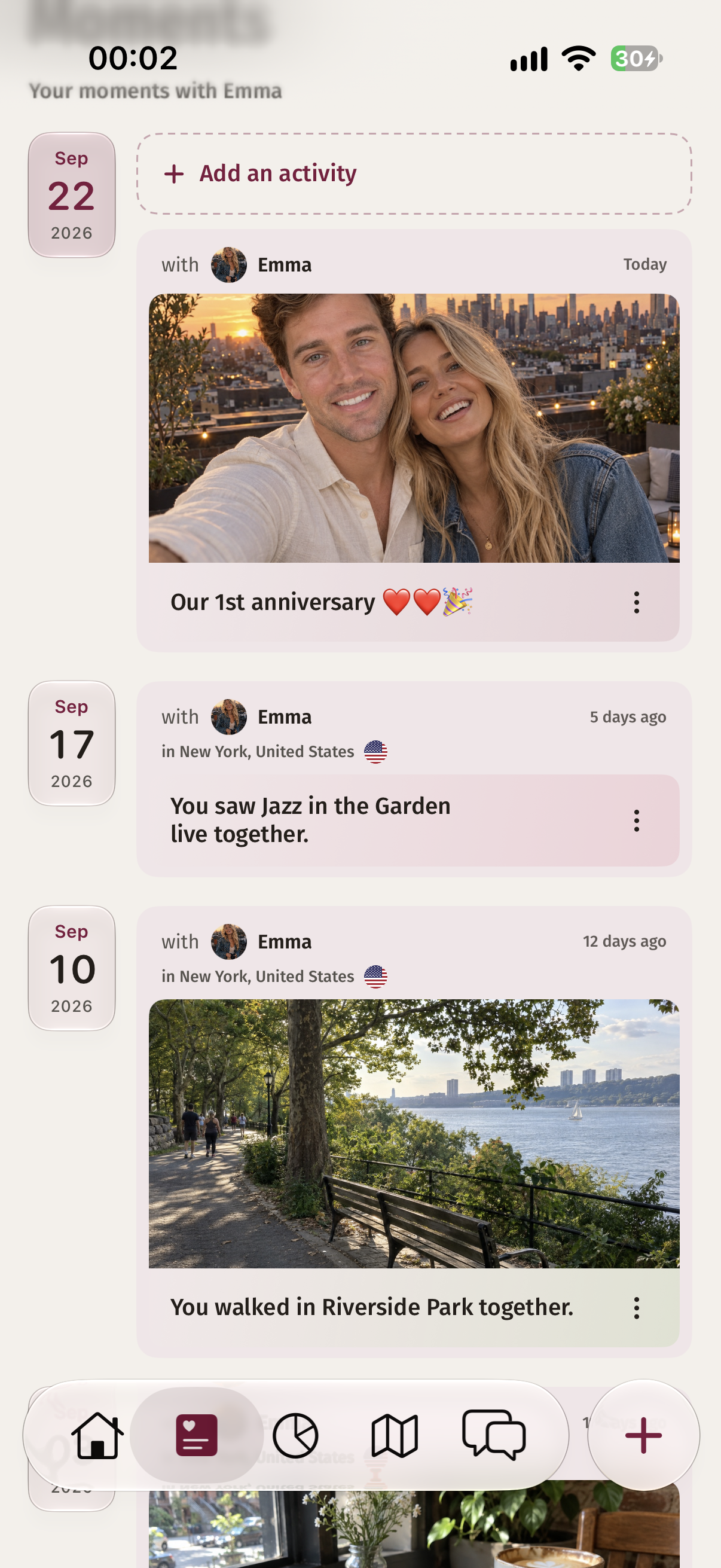
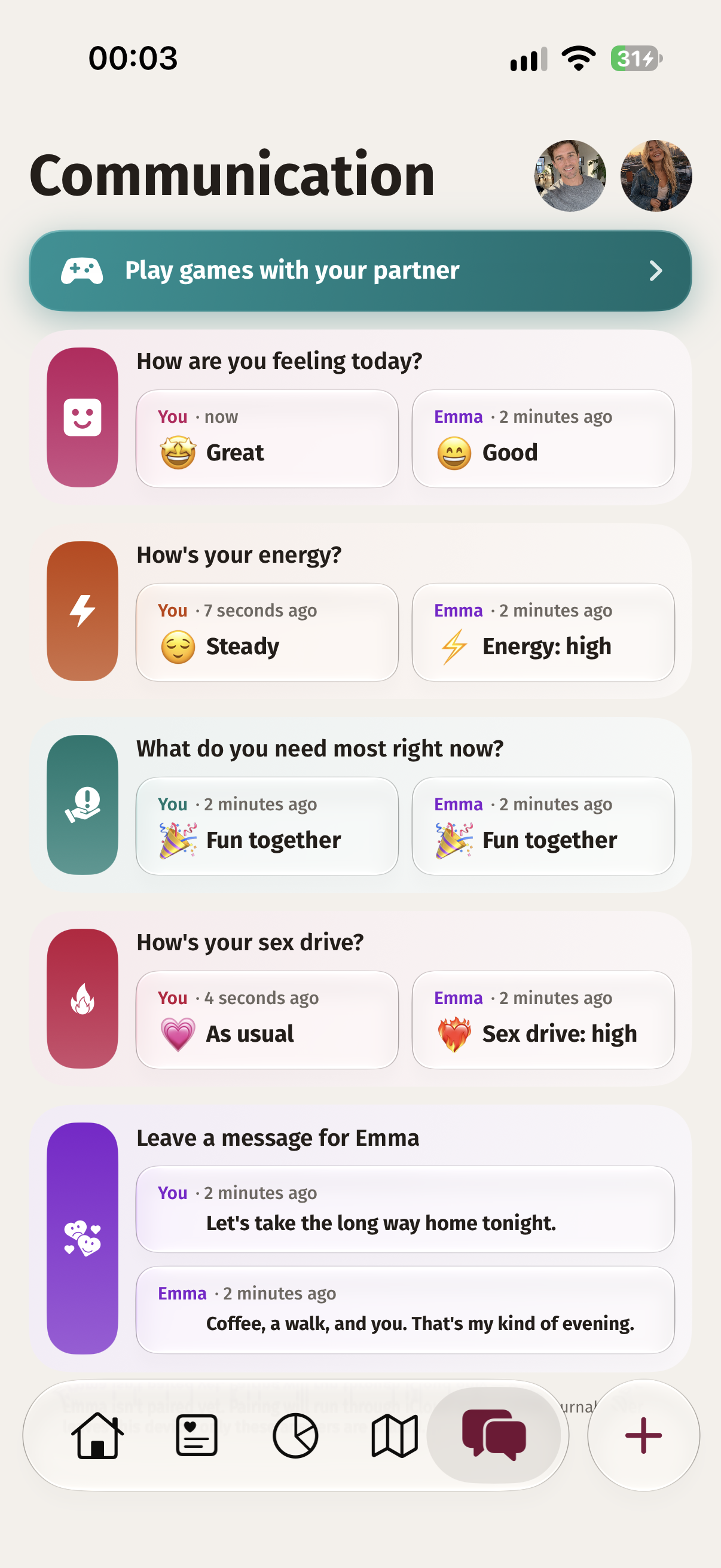
Keep your shared activities, memories, plans, and check-ins in one place. Each person also has their own Moments page for the activities recorded together.

Can my partner and I use Datey together?

Yes. Datey is available on iOS. Both partners need their own iCloud account, and one partner shares a pairing code with the other to connect through iCloud.

Do we both need a paid subscription to use Datey as a couple?

No. One subscription covers both partners while you are connected. If you disconnect, the person with the subscription keeps their access. The other person needs their own subscription to continue.

What can my partner see, and what stays private?

Information about your relationship recorded through all couple-mode features is shared with your connected partner. Your single-mode entries remain separate and private. Your partner cannot see them.

Can I switch between single and couple modes?

Yes. If you disconnect from your partner, you can switch to single mode and continue using Datey. Your existing memories remain unless you choose to delete them.

What happens to our shared memories if we break up?

Disconnecting does not delete your memories. Activities recorded together remain on each person’s own Moments page. Deleting a memory from your page does not delete the other person’s copy. You can switch to single mode; the partner without the subscription will need their own subscription to continue.

How does Datey protect my privacy?

Your information is stored on your device, with backups in your own iCloud account when you use iCloud. Datey does not store your memories on its own servers. Single-mode information is not shared with your partner.

What do you mean by “no account, no server”?

You do not need to create a separate Datey account, and we do not run servers that store your memories. Datey works on your device. iCloud backup and connecting with a partner use your own Apple iCloud account.

Do I need iCloud to use Datey?

You can use Datey on your own without iCloud. Your data then stays on your device, and deleting the app will delete it if it has not been backed up. Both partners need their own iCloud account to connect in couple mode.

Can I use Datey offline?

Yes. Datey works on your device without an internet connection. Connecting with your partner, sharing updates through iCloud, and backing up to iCloud require internet access.

What happens to my memories if I lose or replace my phone?

If your memories are backed up to iCloud, reinstall Datey using the same iCloud account. Datey will ask if you want to continue where you left off. Without a backup, memories stored only on your old phone may be lost. We do not keep a copy on Datey servers.

What happens to my data if I delete the app?

Without an iCloud backup, deleting Datey means losing the data stored in the app. We do not keep a copy on our servers, so we cannot recover it for you. If you have an iCloud backup, reinstall Datey using the same iCloud account and choose to continue where you left off when prompted.

Is Datey free?

Datey offers a free trial: 14 days with a yearly subscription or 7 days with a monthly subscription. A paid subscription is required to continue after the trial.

How can I cancel my subscription?

On your iPhone, open Settings, tap your name, then Subscriptions. Select Datey and tap Cancel Subscription. See Apple’s subscription cancellation guide for help.

How can I contact you or suggest a feature?

Email support@tortugatech.co with your question or suggestion. For a technical issue, include your app version and device model.